Tip: Adblock for Opera Mobile
 1 min. read
 Published on
Share this article


Improve this guide

Read our disclosure page to find out how can you help MSPoweruser sustain the editorial team Read more

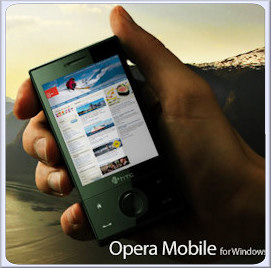 If there is any doubt that Opera Mobile is a grown-up browser this bit of news should put it to rest. Desktop Opera has a built-in mechanism to remove ads, using a file called urlfilter.ini. It turns out the desktop file works just as well for the mobile version, removing ads and increasing load times significantly.
 Also, because many ads are animated gifs, which uses processor cycles to animate, this should also make your browsing experience snappier, and also allow more screen real estate to see content.
See the difference below:
 |
| (Click for a larger version) Notice the Bebo and Slingbox ads |
|
| (Click for a larger version) Ads gone. Despite appearances, the Macbook ad is actually an Engadget article… supposedly. |
Download a known working copy of urlfilter.ini from here, or see this site for regularly updated versions. The file needs to be copied into your \windows\opera\ directory on your smartphone.
Thanks Adshun for the tip.